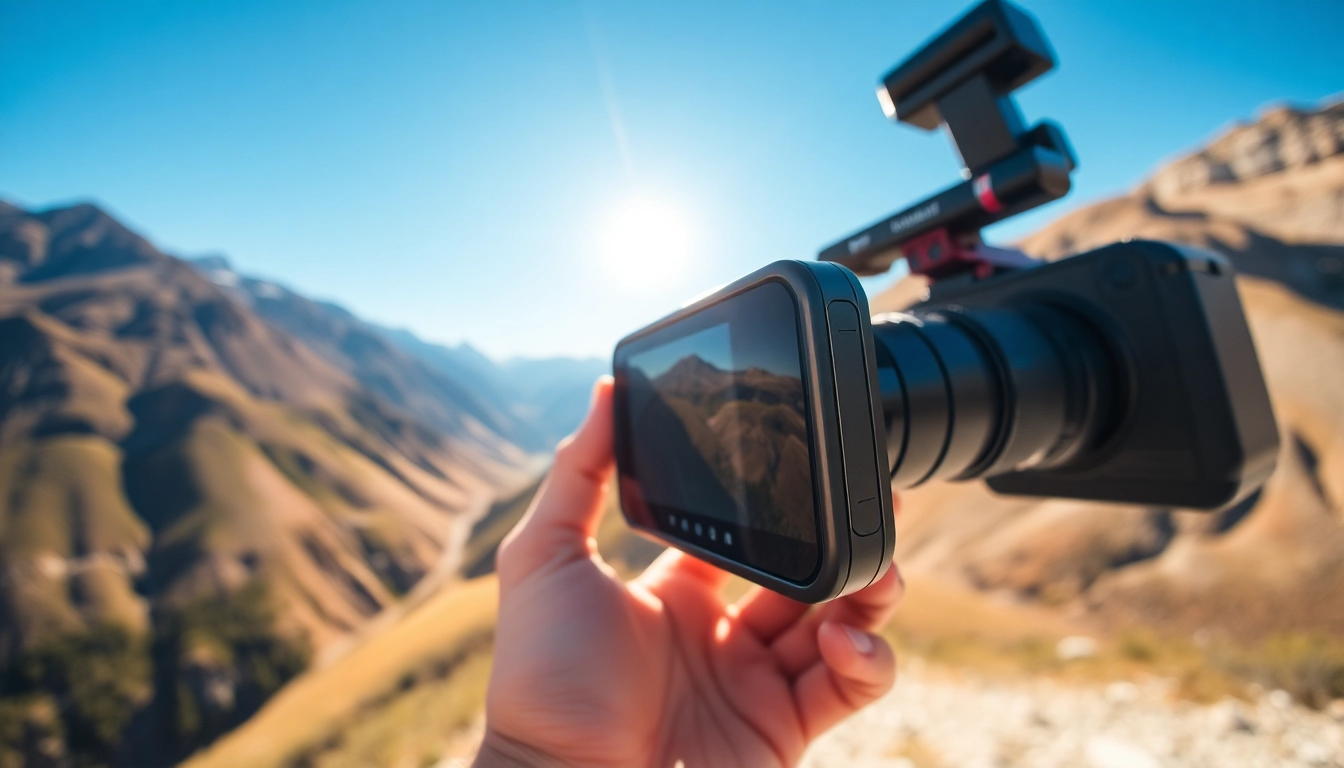
Introduction to Insta360 X5
What is Insta360 X5?
The Insta360 X5 is a cutting-edge 360-degree camera that places immersive video and photography technologies right at your fingertips. Designed for both amateur and professional content creators, the Insta360 X5 enables users to capture high-resolution images and videos in full 360 degrees, making it a versatile tool for various creative projects. Whether capturing the beauty of nature, creating immersive virtual tours, or documenting adventure activities, this camera’s innovative features provide an expansive canvas for creativity.
Key Features and Benefits
The Insta360 X5 boasts a plethora of features aimed at elevating the standard of immersive content creation. Some of the standout features include:
- High-Resolution Imaging: The Insta360 X5 captures 5.7K resolution video, which provides stunning clarity and detail. This makes it an ideal choice for high-quality vlogging, video production, and professional use.
- 360-Degree Capturing: With its dual-lens design, the camera records in all directions simultaneously, allowing creators to capture every angle of a scene without any blind spots.
- Stabilization Technology: The advanced FlowState stabilization feature ensures that videos remain smooth and steady, even during high-action shots, enhancing viewing experiences significantly.
- Live Streaming Capability: Users can broadcast live events in 360 degrees directly to platforms like YouTube and Facebook, making it perfect for reaching wider audiences.
- User-Friendly Design: The Insta360 X5 features an intuitive touchscreen interface, along with innovative shooting modes, making it accessible to all users regardless of their tech-savvy.
Ideal Uses and Applications
The versatility of the Insta360 X5 makes it suitable for a wide array of applications:
- Adventure and Travel: Capturing breathtaking landscapes and thrilling adventures becomes seamless with this camera, allowing users to relive their experiences as if they were there again.
- Virtual Tours: Businesses, particularly in real estate and tourism, can utilize the Insta360 X5 to create immersive virtual walkthroughs, enhancing customer engagement.
- Sports and Action Filming: Athletes can document their performance from unique perspectives, providing audiences with captivating content.
- Event Coverage: Weddings, concerts, and other events can be captured more completely, allowing those unable to attend to experience the occasion live in 360 degrees.
Getting Started with Insta360 X5
Unboxing and First Impressions
As you unbox your Insta360 X5, you will find the camera, a protective case, charging cable, and essential manual. The sleek design is immediately striking, with a lightweight feel that indicates portability without sacrificing durability. The intuitive layout of buttons and the sensibly arranged touchscreen interface promise ease of access, ensuring that whether you’re a seasoned pro or a novice, you can hit the ground running.
Basic Setup Instructions
Setting up your Insta360 X5 is a straightforward process:
- Start by charging the camera fully to ensure uninterrupted shooting.
- Insert the microSD card to store your images and videos. Choose a card that can handle high write speeds.
- Download the Insta360 app on your smartphone, pairing it with the camera via Wi-Fi for enhanced functionality.
- Familiarize yourself with the touchscreen interface, navigating through various modes and settings.
Understanding Camera Settings
The Insta360 X5 comes equipped with a variety of settings to enhance your shooting experience:
- Resolution settings: Choose between standard and high resolutions based on your needs.
- Frame Rates: Modify frame rates for slow-motion or fast-paced action shots.
- Stabilization options: Enable FlowState stabilization for any active shooting scenarios.
- Shooting modes: Explore different shooting modes such as Time-lapse, Bullet Time, and HDR for enhanced creativity.
Advanced Techniques for Insta360 X5
Best Practices for Capturing High-Quality Content
To make the most of your Insta360 X5, consider the following best practices:
- Lighting: Ensure adequate lighting conditions to avoid grainy footage. Shoot during golden hour for stunning natural light.
- Composition: Think about the framing of your shots. Use foreground objects to create depth.
- Movement: Practice smooth movements to avoid jerky footage. Walk slowly or use stabilizers to maintain fluid motion.
Leveraging Virtual Reality and 360-Degree Videos
Creating engaging virtual reality content involves understanding how viewers interact with 360-degree videos. Here are strategic insights:
- Explore interactive elements where users can choose what they want to look at within the frame.
- Incorporate sound design that matches the visuals, giving viewers cues as to where to focus their attention.
- Encourage the audience to engage by designing your footage to guide them on a journey through each scene.
Tips for Creative Storytelling
Effective storytelling with the Insta360 X5 involves more than just excellent visuals. Here’s how to elevate your narratives:
- Scripted Shots: Plan your shots and movements for a more cohesive narrative.
- Combine Perspectives: Mix 360-degree shots with traditional footage to keep your audience engaged.
- Edit Wisely: Use editing tools that allow you to arrange and manipulate your footage creatively, keeping the story engaging.
Editing and Sharing Your Content
Editing Tools Compatible with Insta360 X5
Several user-friendly editing software options are available for enhancing your Insta360 X5 footage:
- Insta360 Studio: A dedicated tool designed for Insta360 content optimized for stitching and modifications.
- Adobe Premiere Pro: A professional-grade editor which can handle 360-degree video projects with advanced editing capabilities.
- Final Cut Pro: Mac users find support for 360 video, making it easy to integrate and edit their Insta360 X5 footage.
Optimizing Content for Different Platforms
When preparing your content for online sharing, consider optimizing it for various platforms:
- YouTube: Use the right export settings (e.g., 4K resolution) and add relevant tags to enhance discoverability.
- Social Media: Adapt content for each platform. Short, engaging clips work best on Instagram and TikTok, while longer, detailed videos suit YouTube.
- Personal Websites: Integrate videos creatively on your website to enhance the visitor experience and improve user engagement.
Sharing Your Work Effectively
Utilize these strategies to distribute your content efficiently:
- Network: Engage with other creators and share your work through influencer partnerships.
- Cross-Promotion: Leverage multiple platforms to increase visibility, using snippets on social media to drive traffic.
- Engage in Community: Participate in forums and online groups related to 360-degree content to share your work and gain feedback.
Frequently Asked Questions about Insta360 X5
How does Insta360 X5 differ from other 360 cameras?
The Insta360 X5 boasts superior stabilization and high resolution, creating smoother and clearer images compared to many competitors.
Can I use Insta360 X5 for live streaming?
Yes, Insta360 X5 supports live streaming capabilities directly to platforms like YouTube, providing a unique immersive experience for audiences.
What are the best accessories for Insta360 X5?
Consider using tripods, selfie sticks, and protective cases to enhance shooting versatility and protect your equipment.
Is Insta360 X5 compatible with mobile devices?
Yes, the Insta360 X5 pairs seamlessly with smartphones for easy content management and sharing through the Insta360 app.
What formats does Insta360 X5 support for video output?
It supports multiple formats including MP4 and ProRes, enabling versatile usage for different editing and sharing platforms.