Understanding the Basics of Video Capture
In an increasingly digital world, the need for video capture has grown exponentially. Video capture refers to the process of recording video data from various sources, converting that data into a digital format that can be stored, edited, and played on various devices. With the rise of content creation on platforms like YouTube, TikTok, and social media, understanding the basics of video capture becomes essential for both beginners and professionals alike.
What is Video Capture?
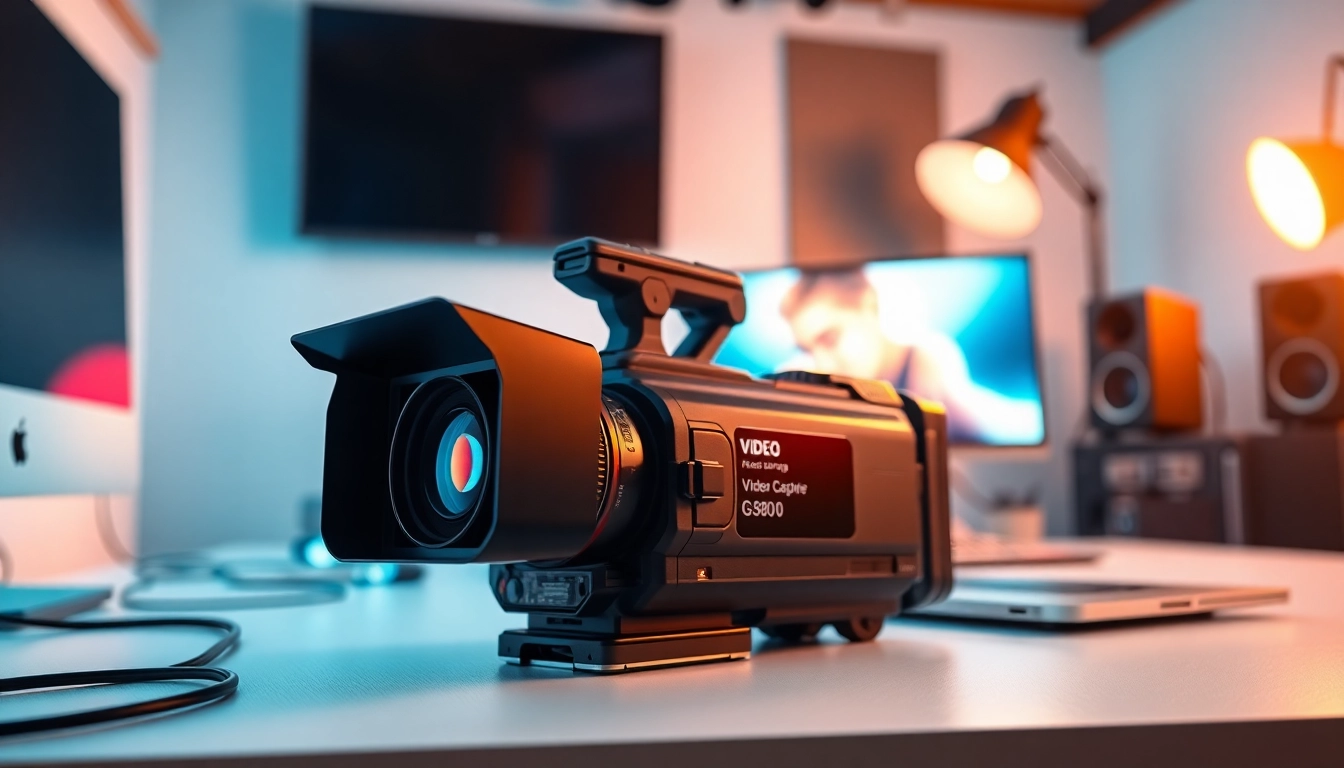
Video capture can be defined as the process of converting an incoming video signal (either digital or analog) into a format that can be stored on a computer or other digital storage mediums. This process often involves the use of specialized hardware and software that ensure the quality of the captured video is preserved. Whether it's capturing gameplay for a live stream, recording a tutorial, or preserving family memories from old tapes, video capture serves a pivotal role in digital media production.
Key Components of a Video Capture Setup
A successful video capture setup generally includes several key components:
- Video Source: This could be a camera, smartphone, a gameplay console, or even an old VCR. The source quality greatly influences the output.
- Capture Device: Hardware such as a capture card or USB capture device that converts the video signal into a digital format.
- Computer or Recording Device: The system where the video will be processed and stored. This could be a PC, laptop, or even a mobile device.
- Software: Video capture programs that allow users to edit, enhance, and manage their captured content. Popular options include OBS, Adobe Premiere Pro, and others.
Common Video Capture Formats Explained
Videos can be captured in several different formats, each with its strengths and weaknesses:
- AVI: A classic format that preserves quality but results in larger file sizes.
- MP4: One of the most widely used formats; it balances quality and file size effectively, making it ideal for streaming.
- MKV: A flexible format that can contain subtitles and multiple audio tracks.
- WMV: Developed by Microsoft, it's suited for streaming but may face compatibility issues with some systems.
Choosing the Right Equipment for Video Capture
Choosing the right equipment is crucial for achieving top-notch video quality. The hardware and software you opt for can enhance your video capture experience significantly.
Essential Hardware: Cameras and Capture Cards
First, you need to determine the kind of content you are aiming to create. For high-quality videos, investing in a good camera or camcorder is worthwhile. DSLRs and mirrorless cameras are great for capturing high-definition footage, while action cameras offer versatility for outdoor or movement-heavy content.
In addition to the camera, a good capture card is essential. Capture cards help in transferring high-quality video signals from the source device to the computer. Internal capture cards provide better performance, while external cards offer portability.
Software Solutions: Best Video Capture Programs
The choice of software can be just as important as your hardware. Some popular programs for video capture include:
- Open Broadcaster Software (OBS): A free tool that offers immense flexibility and features for live streaming and recording.
- Adobe Premiere Pro: Ideal for editing and post-production, but also comes with built-in video capturing capabilities.
- Debut Video Capture: A user-friendly program that offers straightforward video capturing and basic editing functionalities.
Ultimately, your choice should depend on your specific needs and the complexity of the projects you aim to undertake.
Accessing Additional Accessories for Enhanced Video Capture
Don’t overlook the impact of accessories, as they can further enhance your setup:
- Tripods and Stabilizers: Essential for minimizing movement and ensuring stability during capture.
- Microphones: Quality audio can make or break a video. Investing in good microphones is crucial for clear sound.
- Lighting Equipment: Proper lighting can drastically improve video quality. Options like ring lights or softboxes can ensure your videos look professional.
Setting Up Your Video Capture Workspace
Once you have chosen your equipment, the next step is to set up a productive workspace conducive to high-quality video capture.
Optimizing Lighting and Background for Quality Capture
Good lighting not only enhances video quality but can also affect the overall aesthetics of your content. Natural light is often the best source, but if that’s not available, consider purchasing softbox lights or LED panels. Ensure that the background of your capture area is clean and distraction-free. A neutral backdrop helps to keep the focus on the subject, while a creatively designed background can add personality to your videos.
Arranging Your Equipment for Efficiency
Your physical setup should allow for easy access to all equipment. Ensuring that your camera, lighting, and audio equipment can be quickly adjusted will facilitate a smoother recording process. Creating a designated ‘video zone’ can help keep your workspace organized and focused.
Creating an Inspiring Environment that Fuels Creativity
A clutter-free, inspiring environment can foster creativity. Add personal touches, such as artwork or plants, to make the space your own. A visually stimulating area can help in maintaining enthusiasm during content creation, as it translates to higher engagement for your audience.
Techniques for Effective Video Capture
Having good equipment and workspace setup is only part of the process. Mastery of effective techniques ensures you get the most out of your video capture efforts.
Framing and Composition Best Practices
Understanding the principles of composition is key to creating visually appealing videos. The rule of thirds, for example, is a popular technique where the frame is divided into nine equal segments, and important elements are placed along these lines or their intersections. This technique results in more balanced and engaging shots.
Be mindful of the angle from which you are capturing the video. Experimenting with different perspectives can yield more dynamic footage. Sometimes, simply changing your position can provide a fresh viewpoint that greatly enhances your content.
Audio Considerations During Video Capture
While the visual component is crucial, audio quality should not be neglected. Poor sound quality can turn viewers away faster than bad visuals. To ensure clear audio, consider using external microphones, lavaliers, or shotgun mics, depending on your setup. Always conduct audio checks before starting recording to make sure everything is functioning correctly.
Utilizing Motion and Angles for Dynamic Footage
Movement in your shots can capture the audience's attention. Techniques such as panning, tilting, and zooming can add an extra layer of fluidity to your videos without needing extensive editing later. However, be sure that any movement is intentional and not distracting from the content being presented.
Post-Capture: Editing and Sharing Your Videos
The process doesn’t end with recording; video editing plays a huge role in the overall presentation and professionalism of your content.
Basic Editing Techniques after Video Capture
Editing can take your raw footage and polish it into a compelling final product. Start by trimming unnecessary parts, adding transitions, and incorporating text overlays where needed. Techniques such as color correction and sound leveling can enhance the viewing experience significantly. Learning to use editing software effectively can transform even mediocre footage into something extraordinary.
Best Platforms for Sharing Your Video Content
Once you've edited your video, the next step is distribution. Depending on your target audience, consider platforms like YouTube for long-form content, Instagram or TikTok for short videos, or Vimeo for high-quality showcases. Each platform has its specifications, so adjust your video's aspect ratio, format, and length accordingly to maximize reach and engagement.
Measuring Success after Your Video Capture and Release
Tracking the performance of your videos is essential. Key performance indicators include views, engagement rate, share count, and audience retention. Analytics can help you discern what works and what doesn’t, allowing you to refine future video strategies better. Utilize tools available on most sharing platforms to monitor these metrics effectively.